
Introduction
In today’s increasingly popular world of anonymous social networking and random video chat, Monkey App has become a key choice for many young users exploring social interaction with strangers. With its core selling points of “quick matching, easy chatting, and real video interaction,” it has attracted a large number of Generation Z users. But what exactly is Monkey App? Is it easy to use? Is it safe? And what should you be aware of? This article will provide a comprehensive analysis of Monkey App from multiple perspectives, including functionality, user experience, security, and alternative platforms.
What is Monkey App?
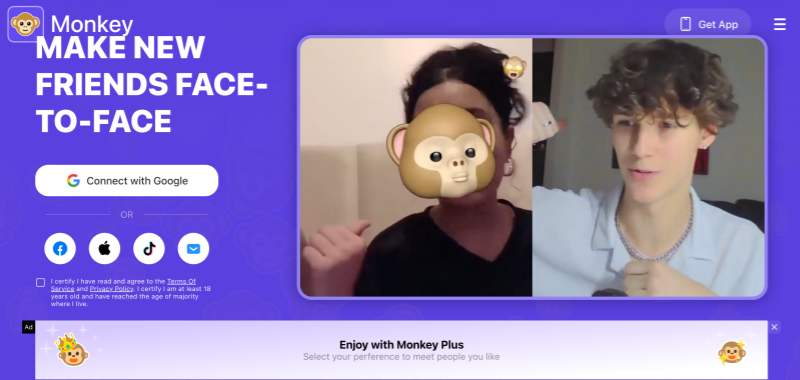
Monkey App is a social application that focuses on random video chat. It first became popular among young users in Europe and America, especially among students and young adults. Users can interact one-on-one with strangers worldwide via video or text without complicated information filling.
Monkey App’s core concept is very simple:
Making social interaction with strangers faster, more authentic, and more fun.
Compared to traditional social platforms that rely on following, likes, and building long-term relationships, Monkey chat emphasizes “instant connection” and “short-term interaction.”
Monkey App Key Features and How to Use Them
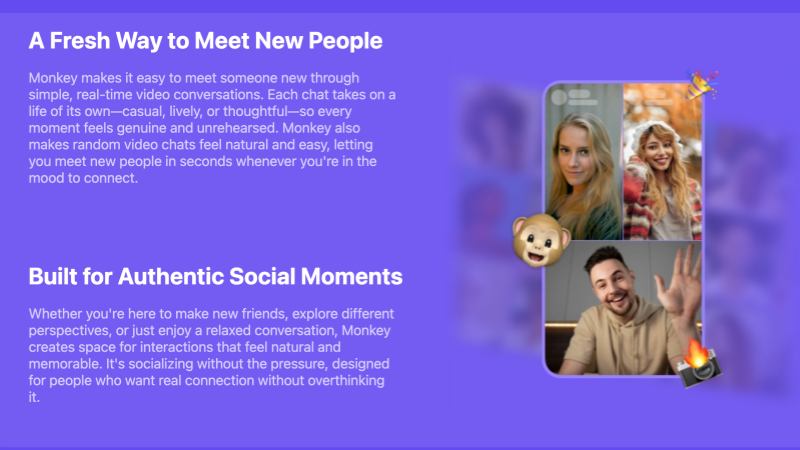
- Random Video Matching
Monkeychat’s core function is one-on-one random video chat. The system matches the user with a stranger in a very short time, with almost no waiting time, making it ideal for fragmented social interactions.
- Quick Skip Mechanism
If the two parties don’t have common topics, users can skip to the next match with a single click. This “pressure-free social” mechanism greatly lowers the barrier to entry for chatting.
- Simplified User Profiles
Monkey App online discourages complex personal profiles, instead providing basic information to avoid users spending too much time “packaging” themselves.
- Age and Interest Matching (Limited)
The platform offers basic age and interest filtering, but the overall approach remains completely random, which is one of Monkey App’s defining characteristics.
Monkey App Benefits and Drawbacks
Advantages:
- Extremely fast matching speed
- More authentic video social interaction
- Simple operation and high entertainment value
- Perfect for short-term social interaction
Disadvantages:
- Inconsistent chat quality
- Randomness leads to an unstable experience
- Security relies on user self-protection
- Not suitable for building deep relationships
Who is Monkey App Suitable for?
Monkey App is more suitable for the following user groups:
- Users who enjoy random video chat
- Young people who want to quickly meet strangers
- Those who don’t pursue long-term social relationships
- People who treat social interaction as entertainment
If you value privacy, content moderation, or high-quality communication more, you may need to consider other alternative platforms.
Top Alternatives to Monkey App You Can Try
If you have concerns about the randomness or security of Monkey App, you can consider the following types of platforms:
- Anonymous chat platforms that prioritize privacy and security
- Video social applications that support interest-based or language-based matching
- Random video chat platforms with stricter moderation
These alternatives usually have advantages in user quality, risk control, or feature depth. Below is a list of recommended Monkey App alternative platforms.
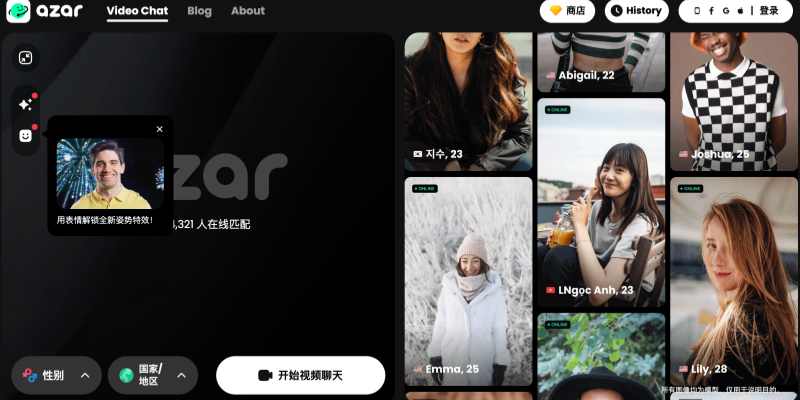
🎯 1. Azar — Global Interactive Video Social Network
Recommended because:
- Instant random video chat, connecting you with users worldwide.
- Supports real-time language translation, breaking down language barriers, ideal for users who want to make international friends.
- Features filters and interactive effectsto enhance the fun of chatting.
- Built-in security mechanisms and content managementreduce the exposure of inappropriate content.
Suitable for: Users who want cross-cultural communication and value interactive experiences.
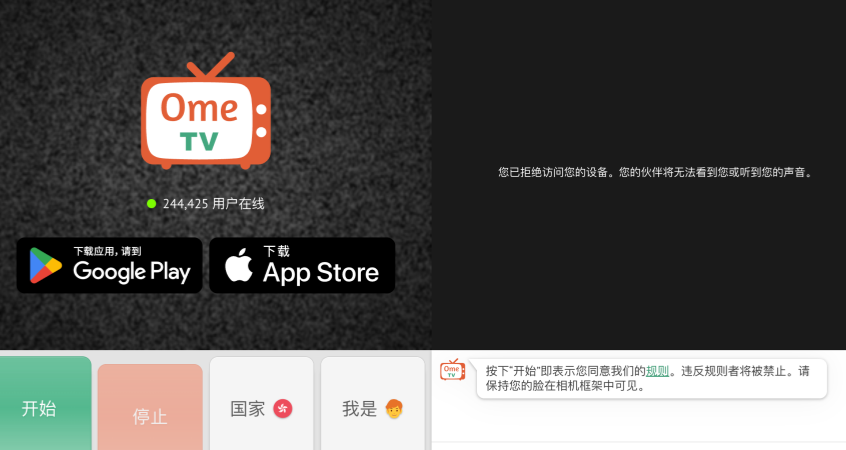
💬 2. OmeTV — Simple and Intuitive Instant Video Chat
Recommended because:
- Quick matching function similar to Monkey, no complicated registration required to start chatting.
- Supports country/region and gender filteringto improve matching accuracy.
- Multi-platform support (web + mobile), no download required to chat.
Suitable for: Users who value speed and simplicity, and newcomers to random video chat for the first time.
🎥 3. Camsurf — Anonymous, Secure, and Easy Random Video Chat

Recommended because:
- No mandatory registration, start chatting immediately.
- Supports language and region filtersfor easy finding of suitable chat partners.
- Features active content moderation and community management mechanismsto enhance security.
Suitable for: Users who want a “lightweight experience” and prefer anonymous chatting.
🔁 4. Chatroulette — Classic Random Video Matching Experience

Recommended because:
- Random one-on-one video matching, similar to Monkey App.
- Minimalist interface + quick jump to the next chat partner.
- Built-in AI human moderation maintains a certain level of community order.
Suitable for: Users who prefer traditional “roulette-style” social interaction and don’t need too many additional features.
🚀 5. Chatspin — Focused on Fun and Filtering Features

Recommended because:
- Offers gender and region filtersfor easier finding of your target chat partner.
- Built-in AR filters and fun effectsto enhance the enjoyment of video chatting.
- Basic functions are free; advanced filtering options are available for a paid subscription.
Suitable for: Users who desire more personalized matching.
🌍 6. Chitchat.gg — High Security and Interest-Based Matching
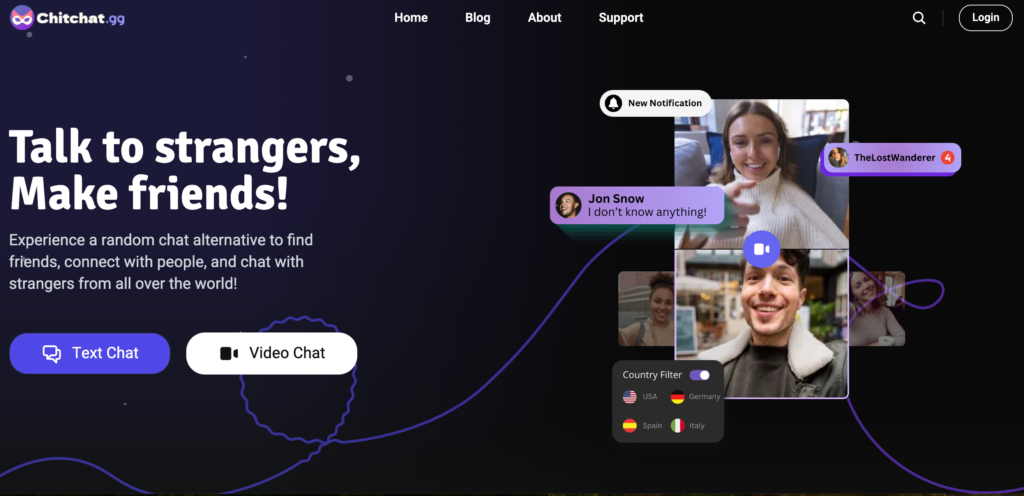
Recommended because:
- Supports filtering by interest, gender, and regionto avoid meaningless random matching.
- Focuses on user safety and respectful interaction, with strict management of violations.
- Suitable for users seeking “more meaningful conversations.”
Suitable for: Users who want to avoid boring matches and build deeper connections.
🧠 7. Emerald Chat — Civilized Communication First
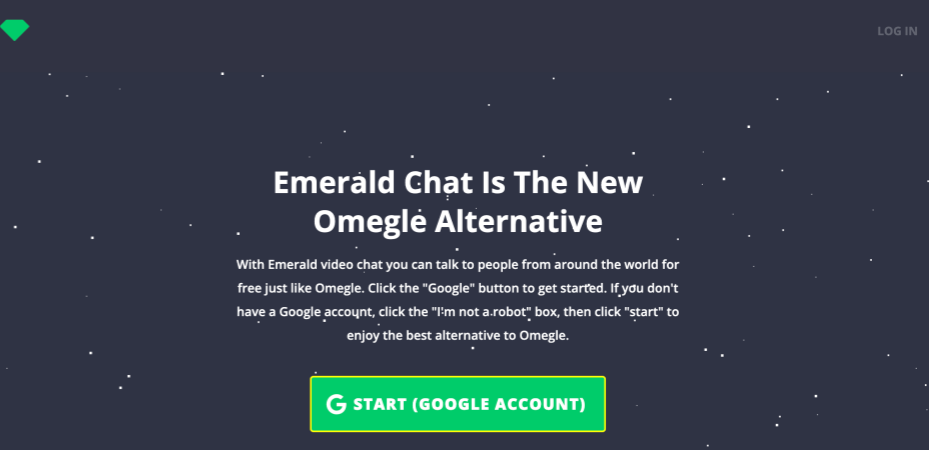
Recommended because:
- Introduces a community points and reputation systemto encourage civilized interaction.
- Also supports video chat and group chat.
- Prioritizes a “positive social” atmosphere over a completely random experience.
Suitable for: Users seeking higher-quality communication and avoiding negative chat environments.
📱 8. HOLLA — Fun Interactions and Real-Time Translation
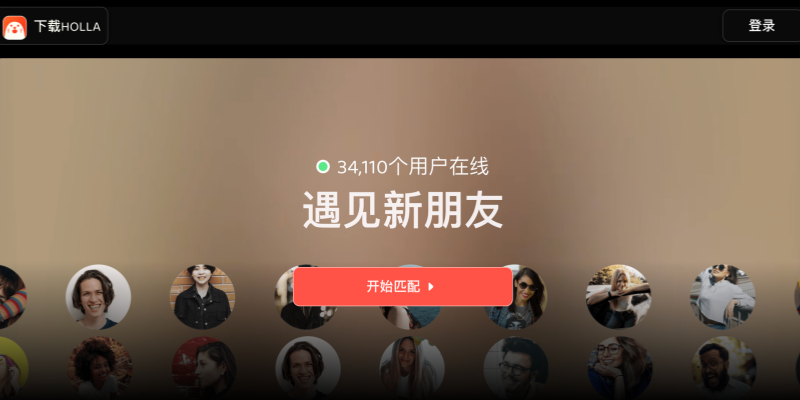
Recommended because:
- Similar to social networking and friend-finding features + random video chat.
- Supports real-time translationand various interactive effects.
- Your user interface is youthful, and the gameplay is more like a “social entertainment app.”
Suitable for: People who value fun and enjoy interactive chat.
📌Choose the Right Platform for You
- 👉 Want to get started quickly without registration?
- Choose Camsurf, OmeTV, or Chatroulette.
- 👉 Want more precise matching?
- Choose Chatspin, Chichat.gg, or Emerald Chat.
- 👉 Want more fun interactions and more features?
- Choose Azar or Holla.
What is the User Experience of Monkey App?
From a practical user experience perspective, the Monkey chat App’s overall style is very lightweight and entertainment-oriented:
- Low learning curve: You can start chatting in minutes.
- Fast pace: Chats can end anytime if they don’t go well.
- High realism: Primarily video-based, reducing the problem of misleading photos.
- Younger-oriented social atmosphere: Most users are extroverted and talkative.
However, this high degree of freedom also brings some problems, such as inconsistent chat quality and significant differences in user behavior.
Is the Monkey App Safe?
This is one of the most pressing concerns for many users.
Objectively speaking, the Monkey App is not a completely risk-free platform.
Potential risks include:
- Inappropriate content or behavior
- Difficulty in verifying user identity
- Younger users may be more susceptible to negative influences.
Platform measures:
- Reporting and banning mechanisms
- Basic content review
- Age restriction warnings
However, it should be emphasized that the Monkey App has a high degree of randomness, and users are still responsible for their own usage behavior. It is recommended to avoid disclosing personal privacy information and refrain from any form of monetary or private transactions.
FAQs
1. How to Cancel Monkey App Subscription?
To cancel your Monkey App subscription, use the app store where you subscribed.
- iOS:Settings → Apple ID → Subscriptions → Monkey App → Cancel
- Android:Google Play → Subscriptions → Monkey App → Cancel
You can still access premium features until the current billing period ends.
2. How to Sign Up for Monkey App?
- Download Monkey App from the App Store or Google Play.
- Allow camera and microphone access.
- Sign up with your phone number, email, or social account.
- Set basic profile details.
- You can start chatting immediately after signing up.
3. How to Use Monkey App?
- Open the app and choose video or text chat.
- Get matched randomly with another user.
- Tap Nextto skip or use Report/Block if needed.
Monkey App focuses on fast, casual video interactions.